Archive · Home & commercial service
SaaS CRM Mobile App
A mobile CRM for tradespeople, aimed squarely at invoicing delays, unpaid invoices and quotes that lose the job.
This is earlier work, kept here because people still find it. The role titles below describe each engagement at the time. Olively today is an AI product consultancy — if that is what you are after, start with the AI Reality Check or the readiness scorecard.
The problem
What the work was actually for.
Tradespeople lose money in the gap between finishing a job and getting paid for it. Invoices go out late or not at all, unpaid ones need chasing, and quotes that look amateur lose work to competitors who send something tidier.
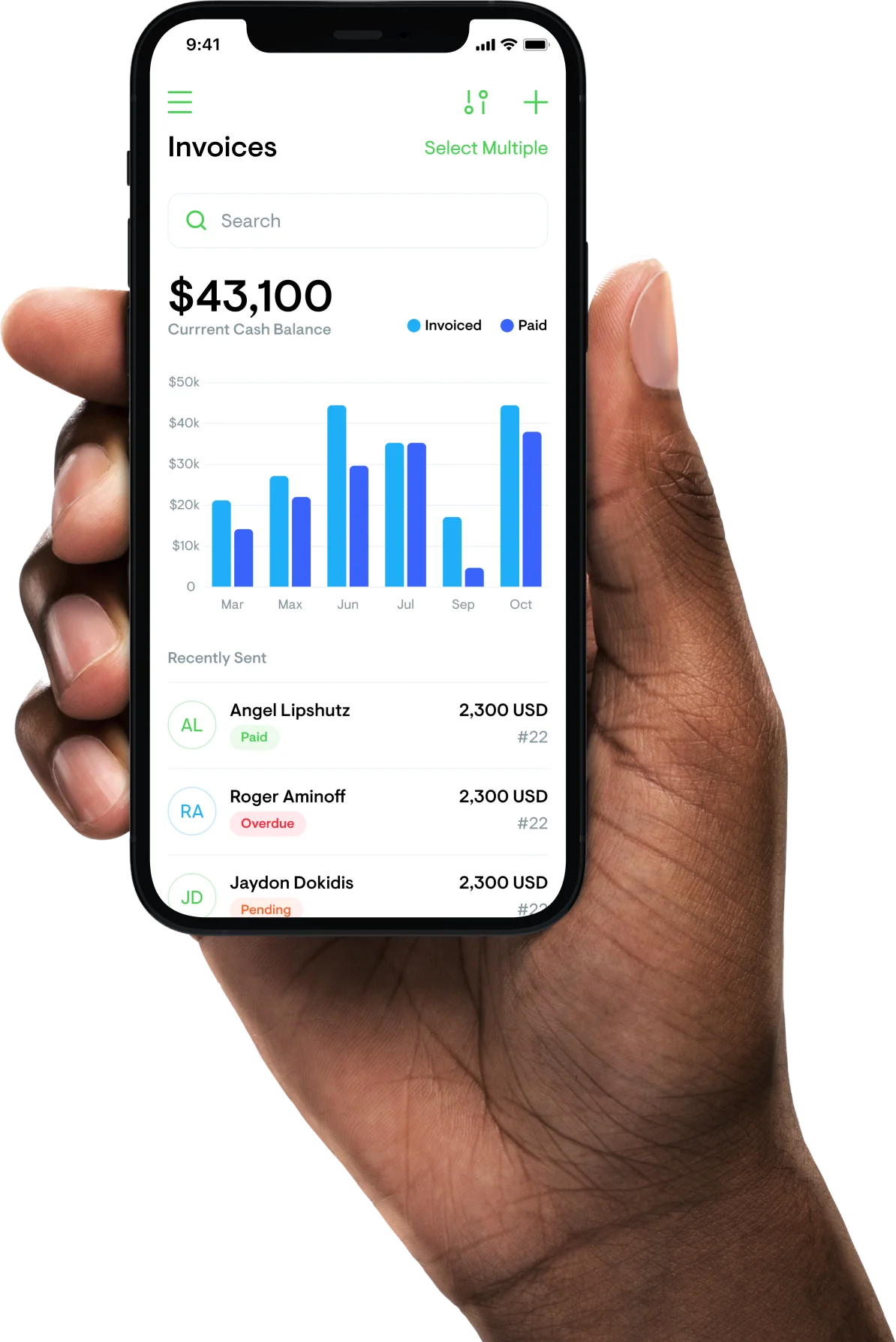
TradieFlow put invoicing, quoting, job tracking and client management into one app built for someone standing on a site rather than sitting at a desk. Invoices paid rose 23% and conversion 40%.
The outcome
What actually changed.
Invoices paid rose 23% and quote conversion 40%. Both come from the same shift: invoicing at the moment a job finishes rather than at the end of a week, and sending a quote that looks like it came from a business rather than a phone.
The decisions
Three calls that shaped it.
Structure the app around the sale, not the features
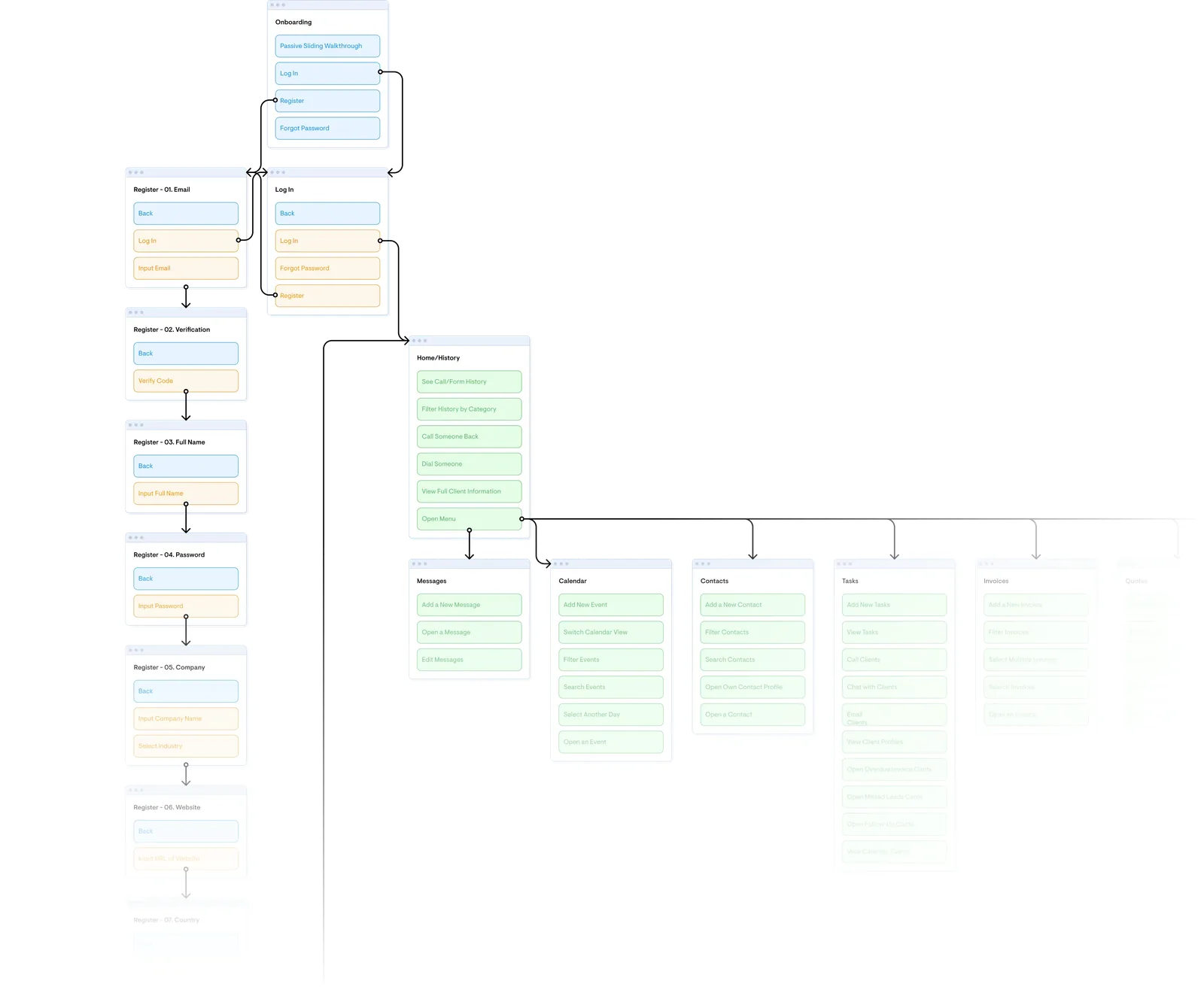
The market was already full of apps solving one slice each. Rather than compete on feature count, the information architecture followed the stages of an actual job — quote, book, do, invoice, get paid.
Split the audience on team size and project length
Above about five people, permissions stop being optional. An emergency plumber and a long-project contractor need different calendars. Designing for both without asking which you are produces something that fits neither.
Invoice at the moment the job finishes
The single behaviour change behind the 23% lift. Invoices were being forgotten after the work was done, so the app put invoicing where the job ends rather than in a weekly admin session.
What was hard
Trying to solve every problem a trade business has would have stalled development entirely. The MVP deliberately shipped incomplete, aligned to the sales funnel, so feedback could redirect it while that was still possible.
What users were up against
The four that mattered.
Paperwork
Constantly raising invoices, checking unpaid ones, creating quotes, chasing their status, managing live jobs.
Not invoicing
Invoices forgotten after a job finishes, which holds up cash flow. The right moment to invoice is the moment the work is done.
Chasing money
Unpaid invoices are among the biggest problems a trade business has, and following up is constant.
No marketing skill
Quotes and materials that look poor directly reduce the chance of being hired.
The business case
The market was already saturated with apps each solving one slice of this. The risk was trying to solve everything and slowing development to a crawl. The answer was to align the workflow with the actual stages of a sale, guide the user through that funnel, and start with an MVP that could move as feedback arrived.
Who it was for
The audience splits on three things.
Team size
A sole trader and a twelve-person firm need different things. Above about five people, permissions and task assignment stop being optional.
Project length
An emergency plumber closes a job in an hour. A contractor runs one for three months. The same calendar cannot serve both, so the app asks which you are.
Where the money leaks
Invoices raised late, unpaid ones needing chased, and quotes that look amateur enough to lose the work. All three are cash-flow problems dressed as admin.
The work
What it looked like.
Information architecture
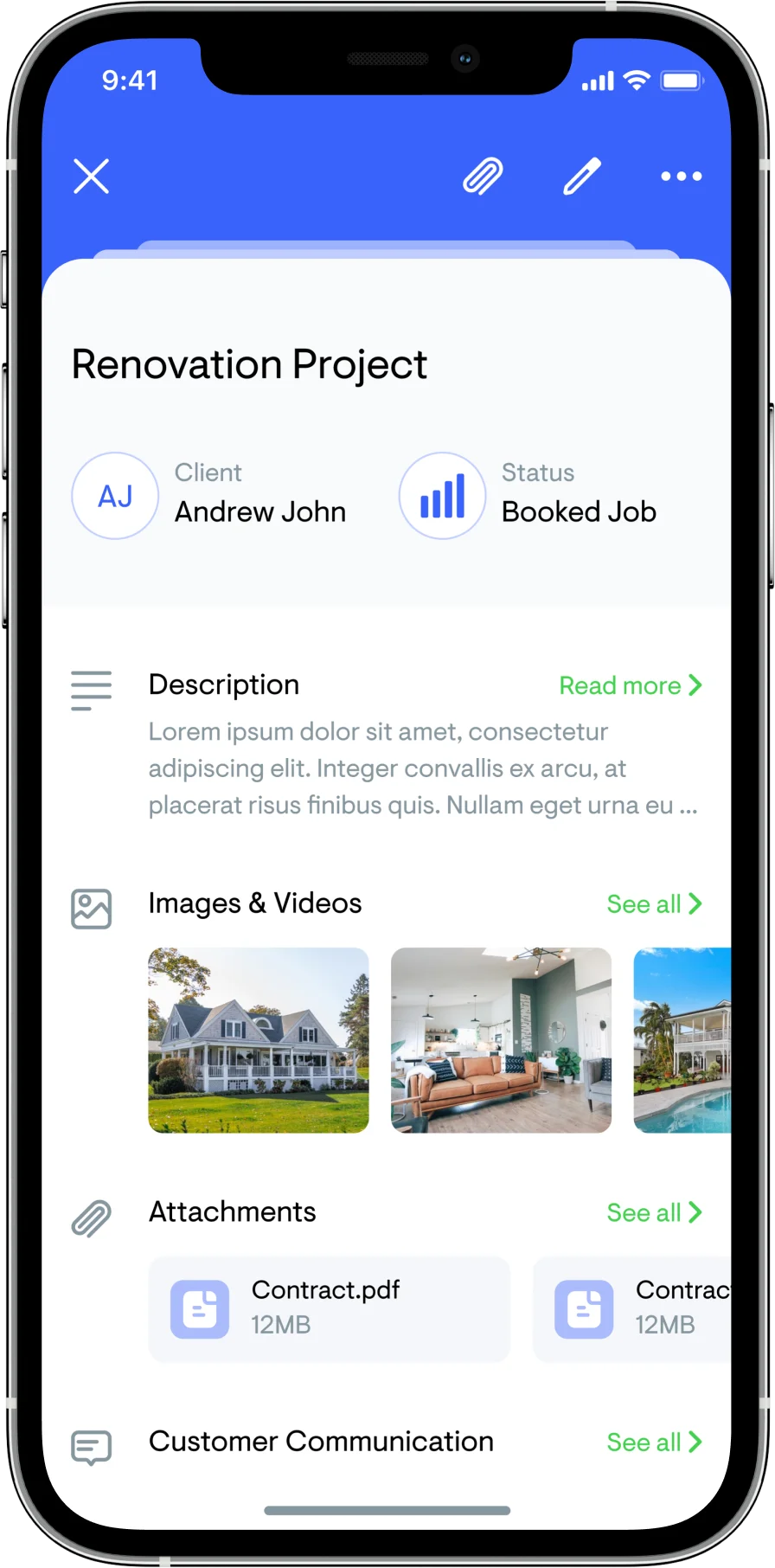
Structured around the stages of a sale, so the app follows the order the work actually happens in.
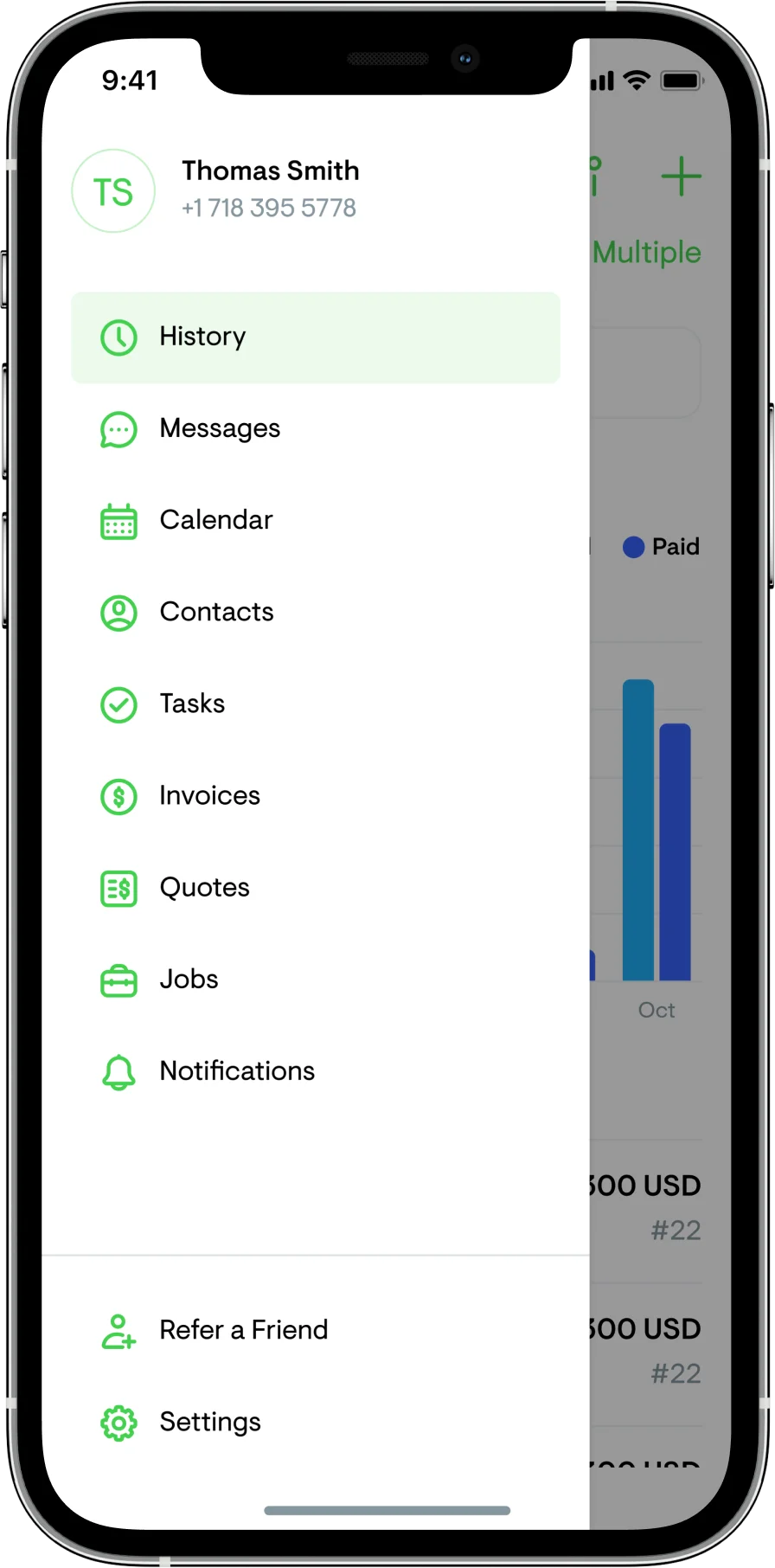
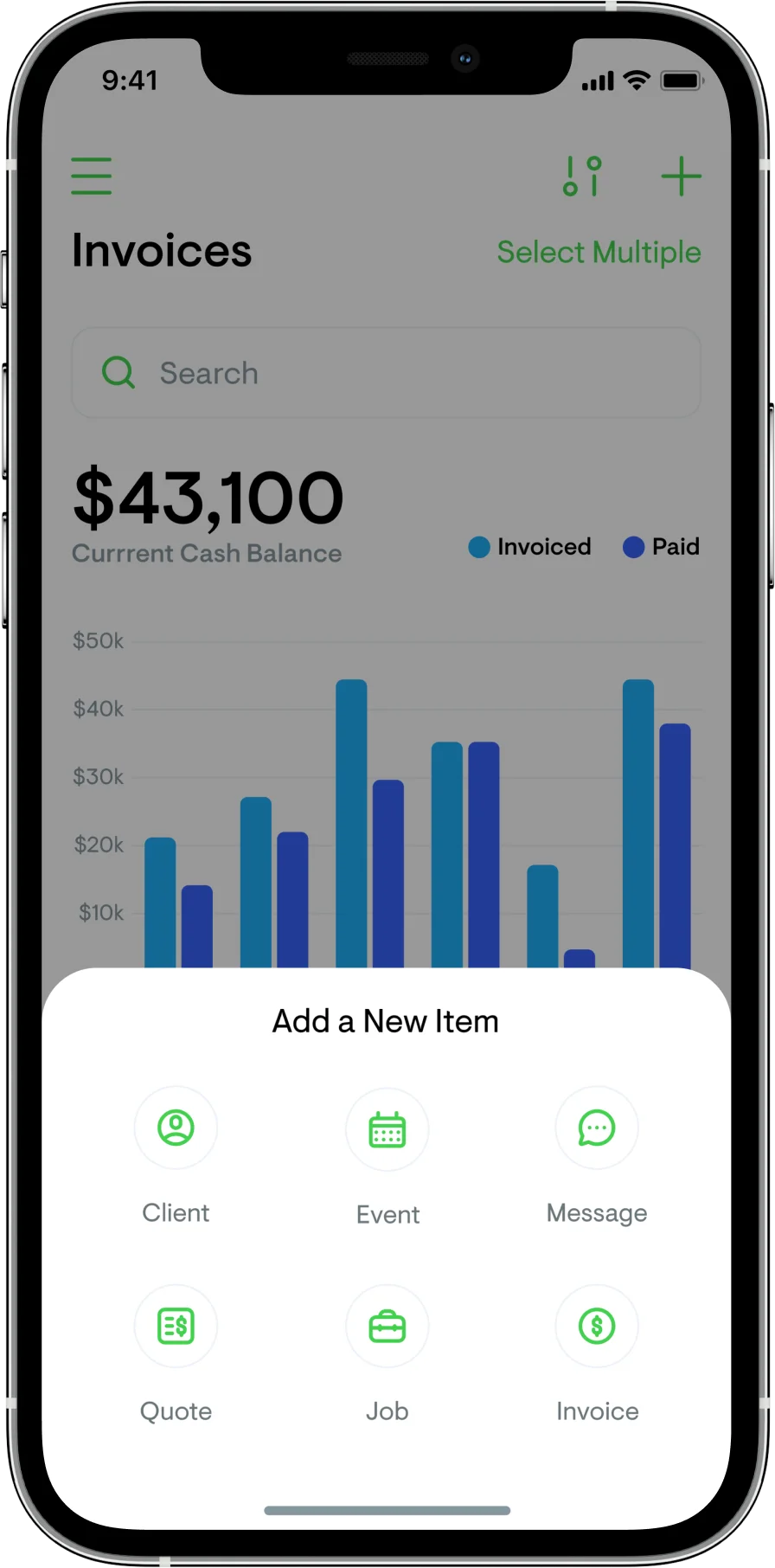
Visualisation
Designed for someone standing on a site holding a phone in one hand, not sitting at a desk.
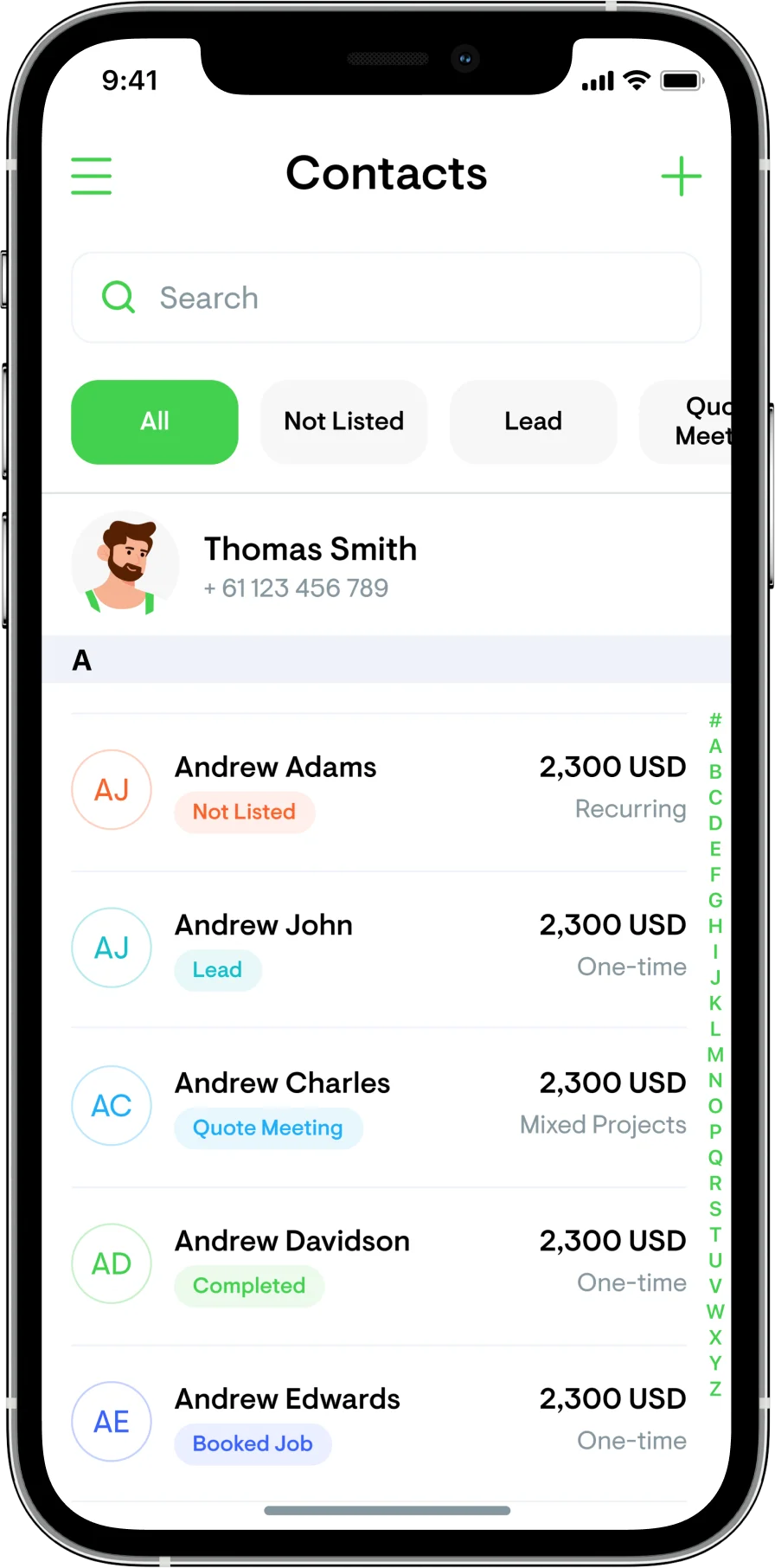
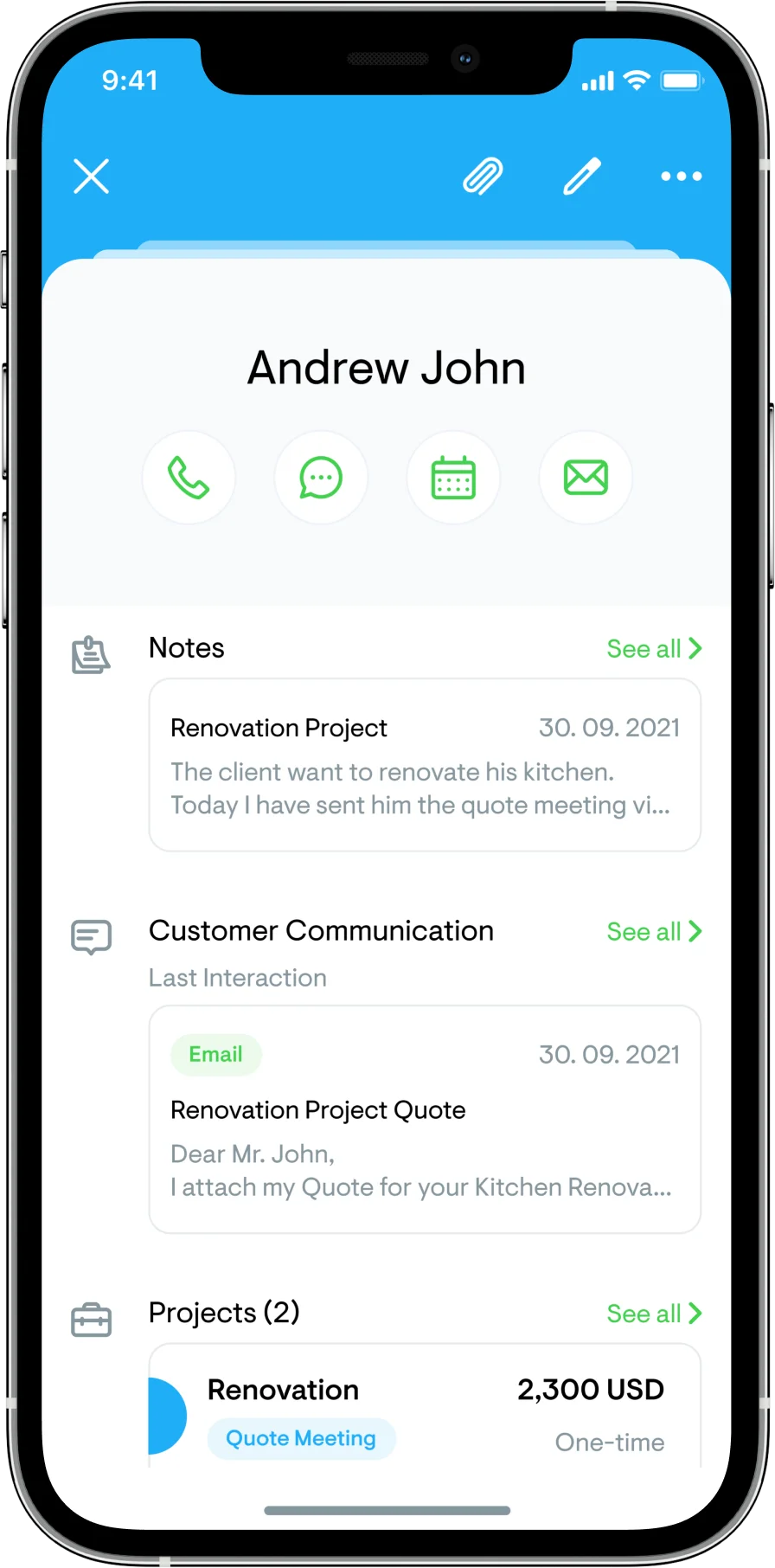
Client management
Everything about a client on one screen, because the alternative is a tradesperson scrolling while a customer waits.
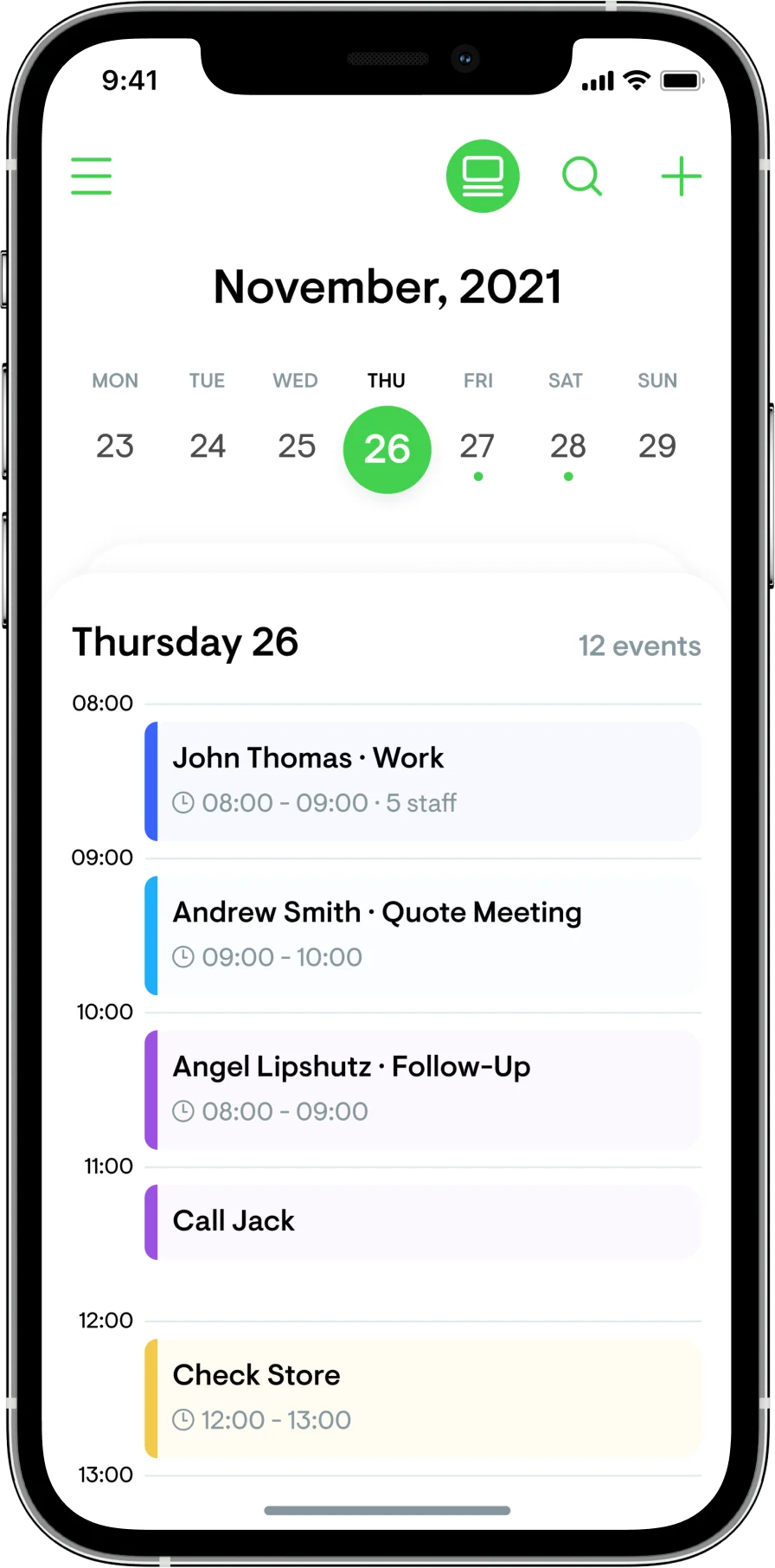
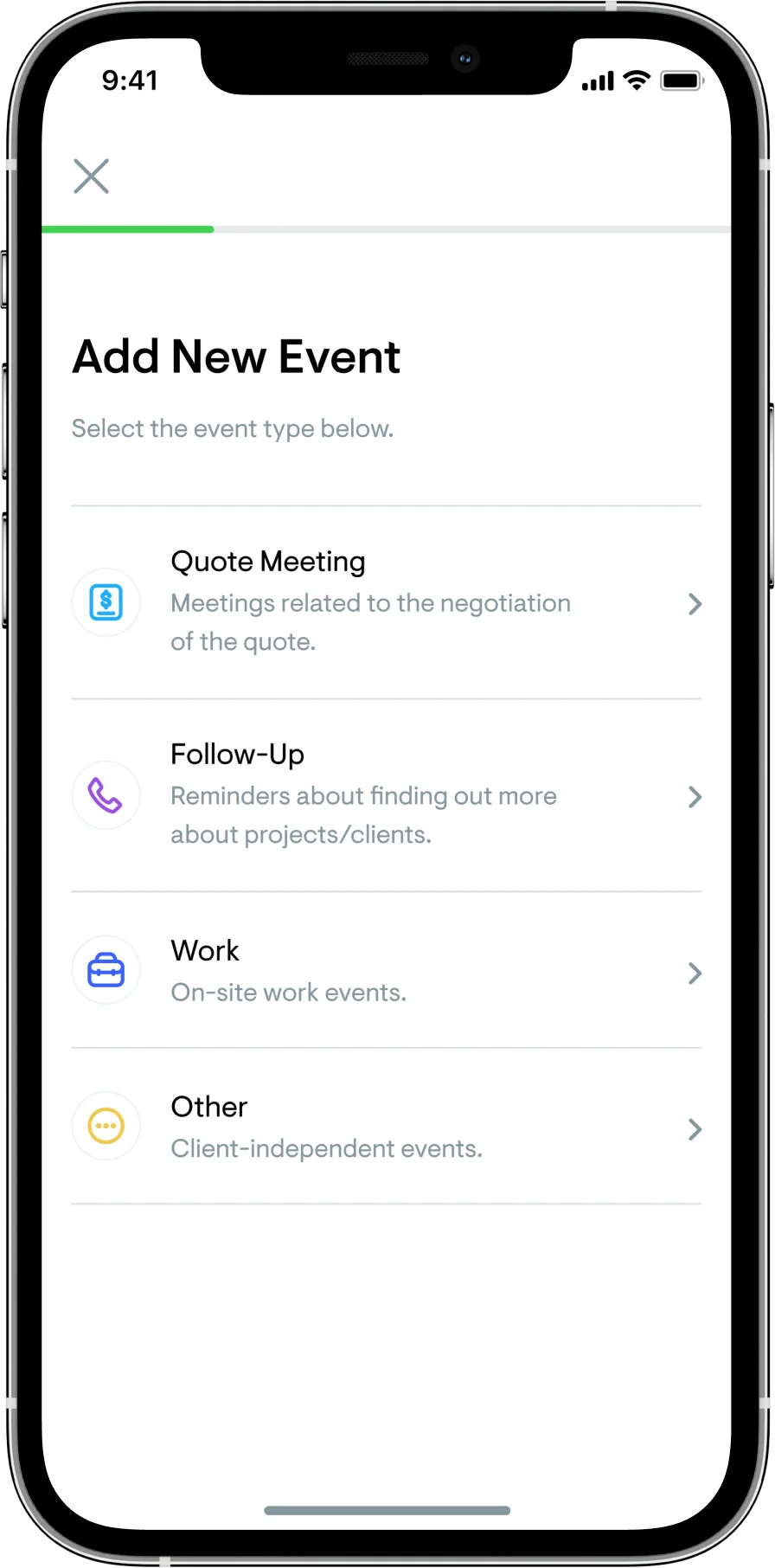
Calendar
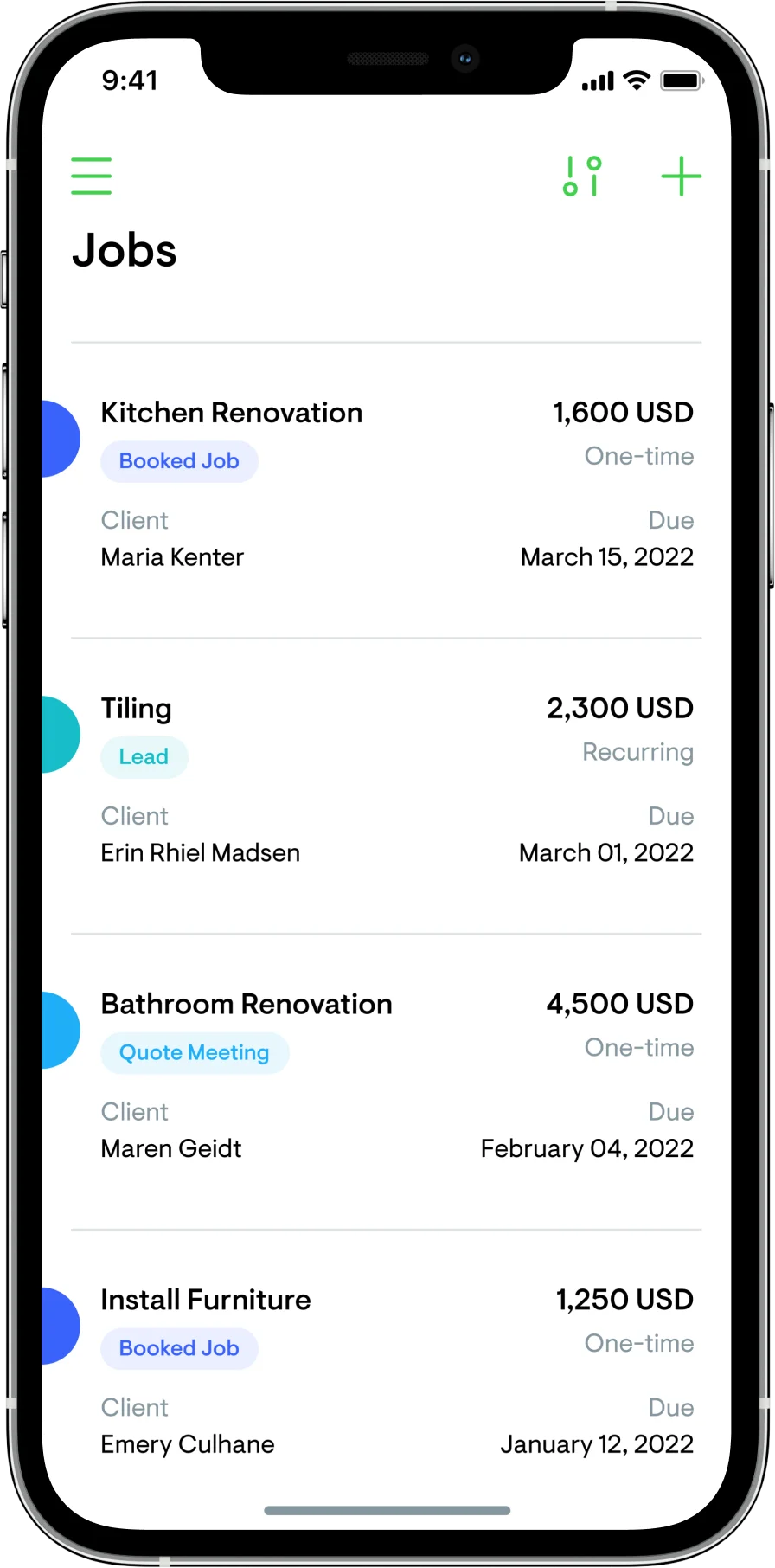
Colour-coded to sales stage, so the week reads as a pipeline rather than a list of appointments.
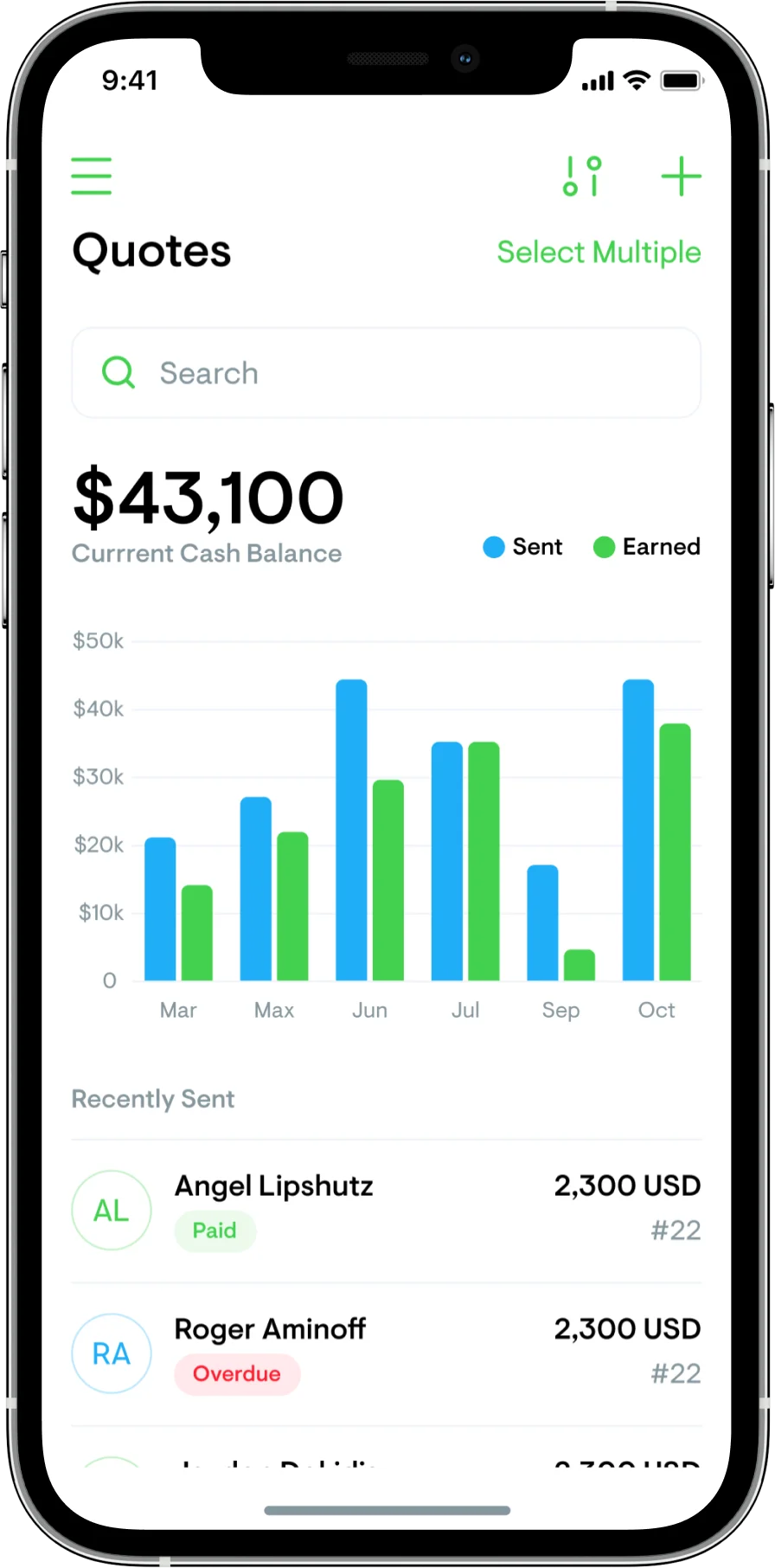
Quotes
Interactive, so a client can accept or query without printing anything.
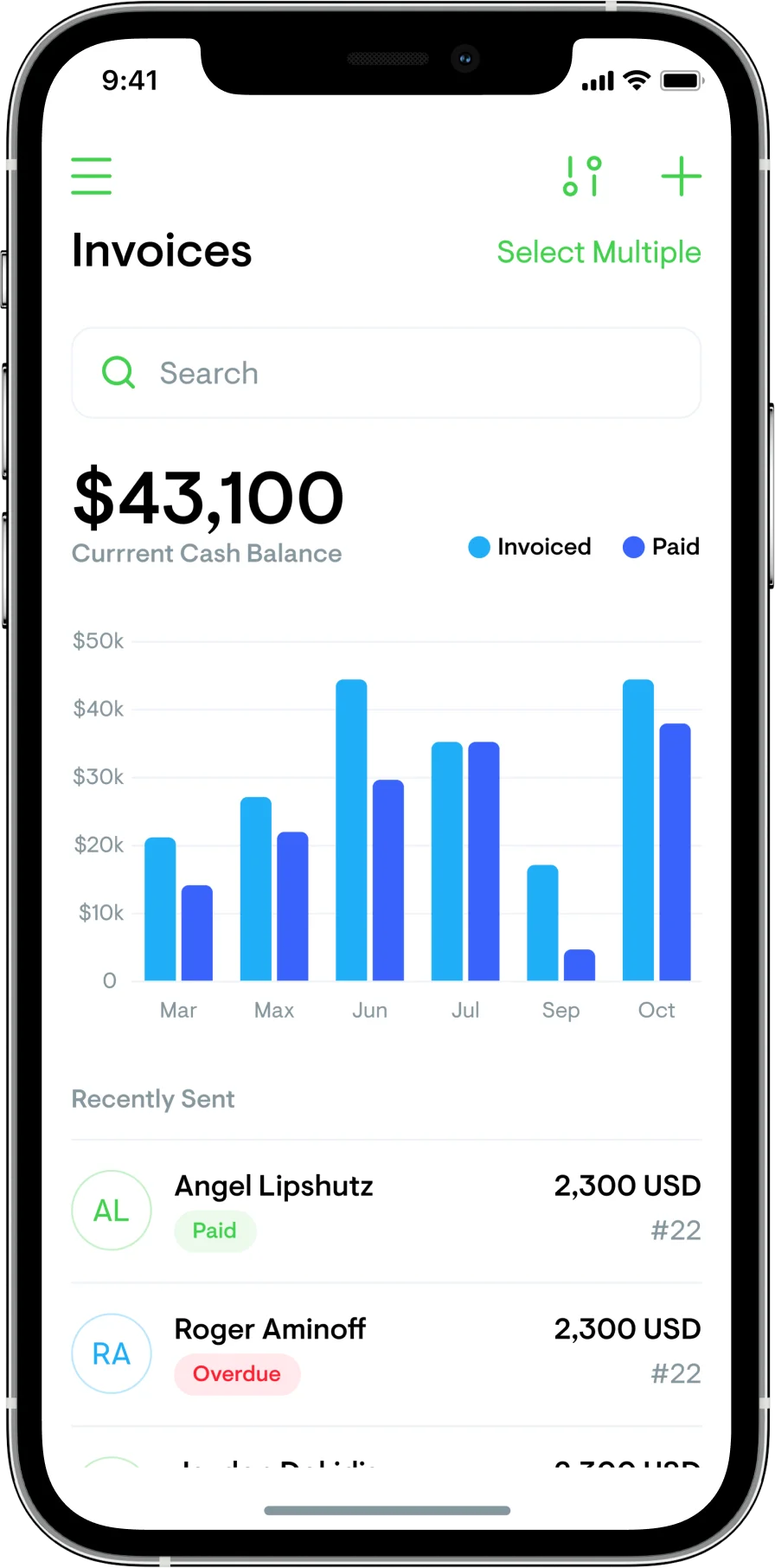
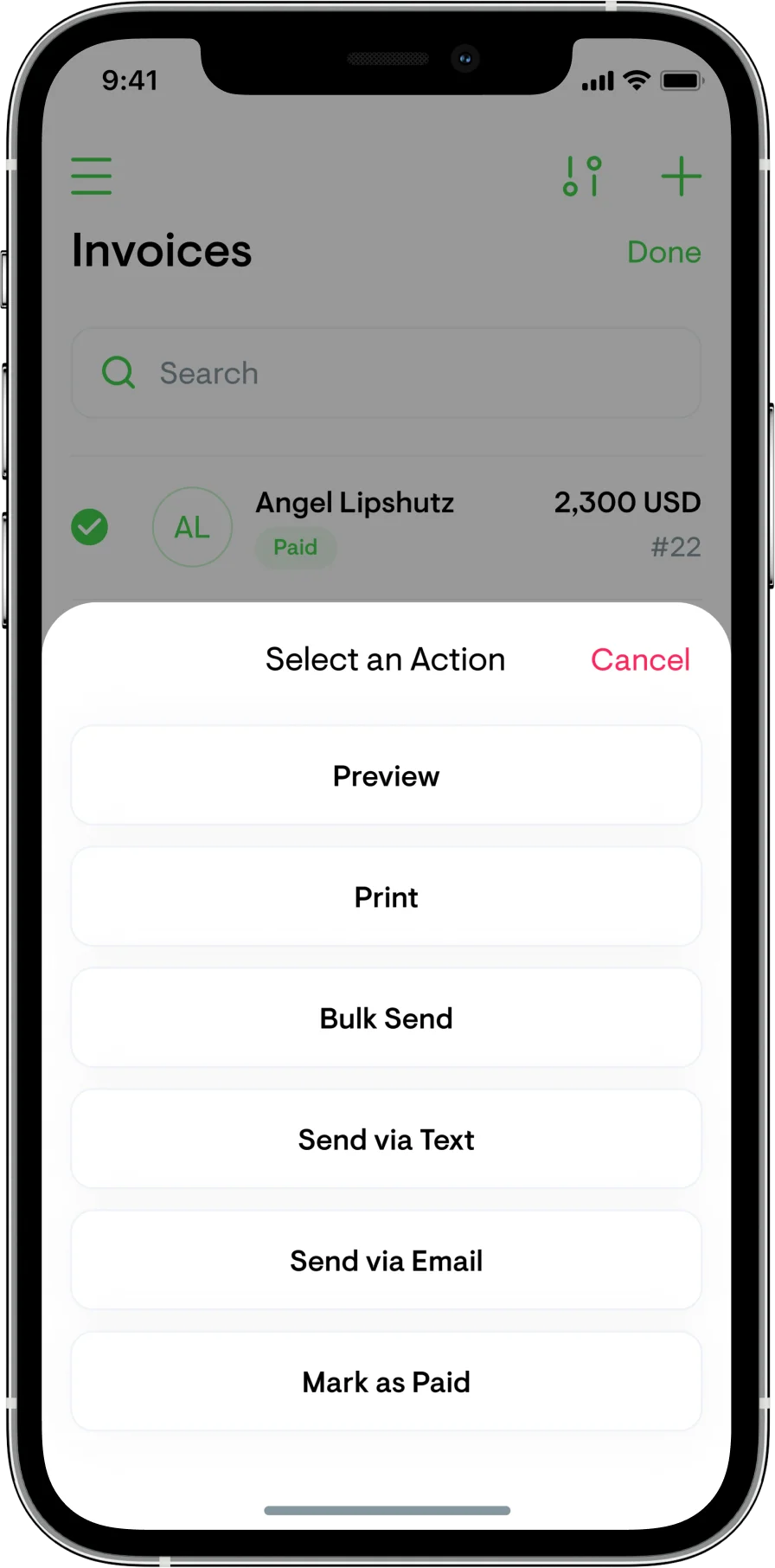
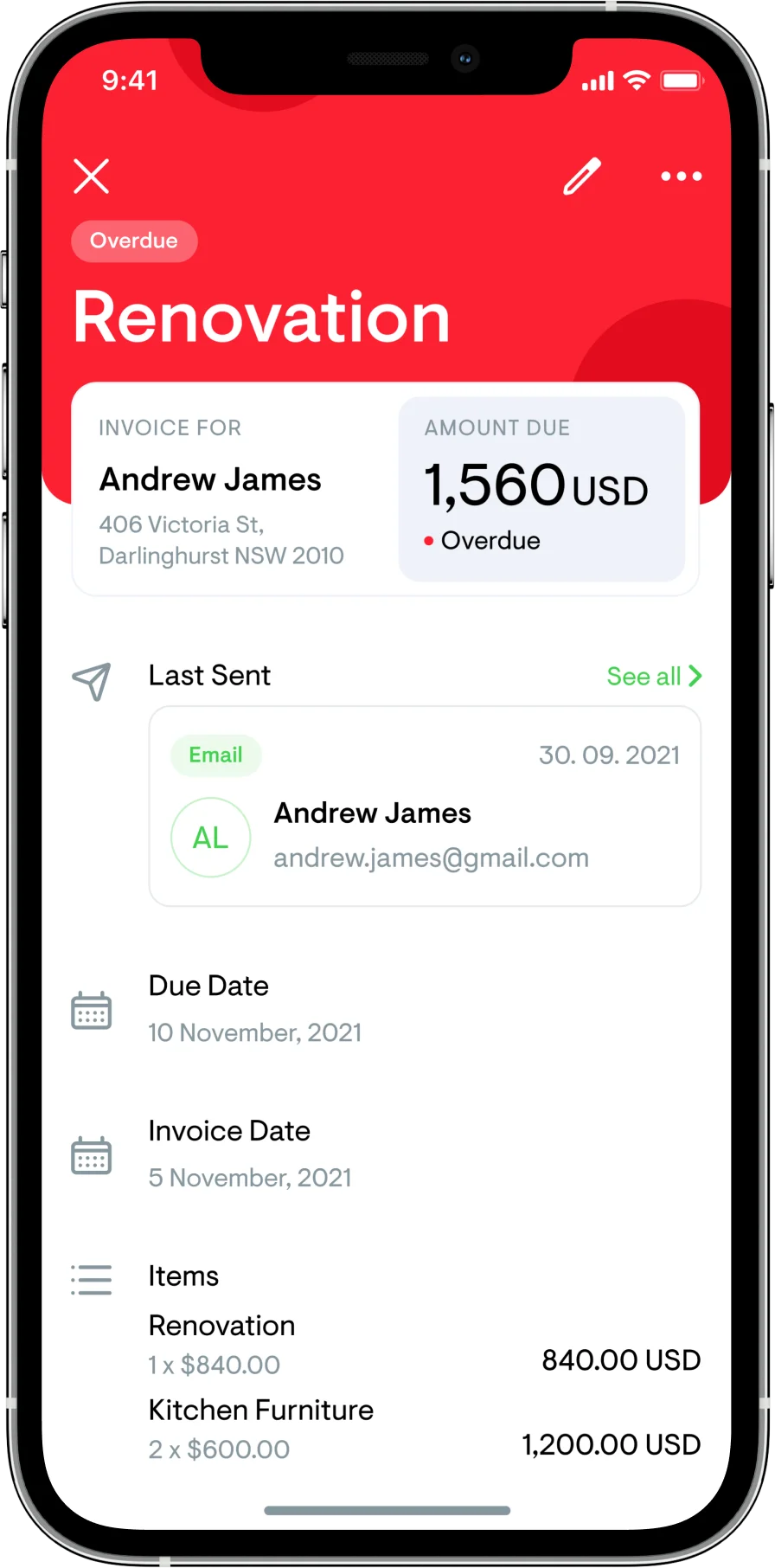
Invoices
Status visible at a glance. Chasing unpaid invoices is one of the biggest drains on a trade business.
Job management
Tasks assignable to team members, with the job itself as the container.
What I do now
Most AI projects are theatre. I help you build the ones that aren’t.
An AI Reality Check scores every idea on your roadmap and hands back three lists — what is real, what is theatre, and what is blocked. One week, fixed price.